Baby Panda's Kids Play
- 4.2
- Rating
- 50.00M
- Installs
- Free
- Price

 Analysis by App-foxy
What makes Baby Panda's Kids Play interesting to me is not one isolated mini-game, but the way it gathers BabyBus games and cartoon content into one child-friendly place. That verified capability changes the experience from choosing a single educational activity to letting a child move between familiar stories and simple play without leaving the same app. I see it as a digital play shelf: useful when a parent wants variety, but still wants the material to stay within the Baby Panda world.
BabyBus made this as a free educational game for children, with an Everyone content rating. It has reached over 50 million installs and holds a 4.2 average from around 100 thousand ratings. Those figures do not tell me whether every child will enjoy it, but they do show that it has become a well-known option for families looking for BabyBus content in one place.
The important question is whether that collection is genuinely helpful in everyday use. In my experience, the answer depends on how you introduce it. If I hand a young child a large collection and expect completely independent, focused learning, the app can feel scattered. If I choose it as a short, shared activity and help the child pick something suitable, its variety becomes the main strength.
You May Also Like

 Pandora - Music & Podcasts
Pandora’s Music Is Easy to Start, but Harder to Recover
Pandora’s strength is its low-effort path from a seed to a station. Its weak spot is how much confidence it asks you to place in connection, setup, and quiet recovery.

 8 Ball Pool
 Is Built on Rivalries, Rematches, and Routine
A close look at the rivalries, rematches, shared routines, and unanswered safety questions that turn a quick pool match into a persistent mobile community.

 Samsung Music
’s Quiet Strength Is Playing What You Already Own
Its reach comes less from spectacle than from dependable access to a personal library. That simplicity is both the app’s strongest retention engine and its ceiling.

 AccuWeather: Weather Radar
AccuWeather Review: A Quick, Clear Forecast for Everyday Decisions
For everyday plans, the best forecast is the one you can understand quickly. AccuWeather makes rain timing, radar, and local conditions easy to act on, with a few trade-offs.

 Hill Climb Racing
Why Hill Climb Racing Still Turns Crashes Into One More Run
A tiny car, a bumpy hill and one more upgrade: Hill Climb Racing keeps resurfacing because its simple chaos makes every near-miss feel personal.

 AliExpress - Shopping App
AliExpress Makes Global Shopping Feel Personal, but Shoppers Bear the Risk
AliExpress turns a global marketplace into a pocket-sized discovery engine. Its reach is useful, its shopping loop compelling, and its trade-offs easy to miss.
More From Our News Desk
View All News


A single place for BabyBus games and cartoons
I find the appeal of this collection clearest when I think about how a child chooses what to do: a familiar character can make it easier to begin, while having both games and cartoons gives a parent room to steer the session toward the kind of engagement that fits the moment. That convenience still calls for a little adult guidance, so next I’d look at how to make the first choice feel manageable rather than overwhelming.
Why the combined library matters
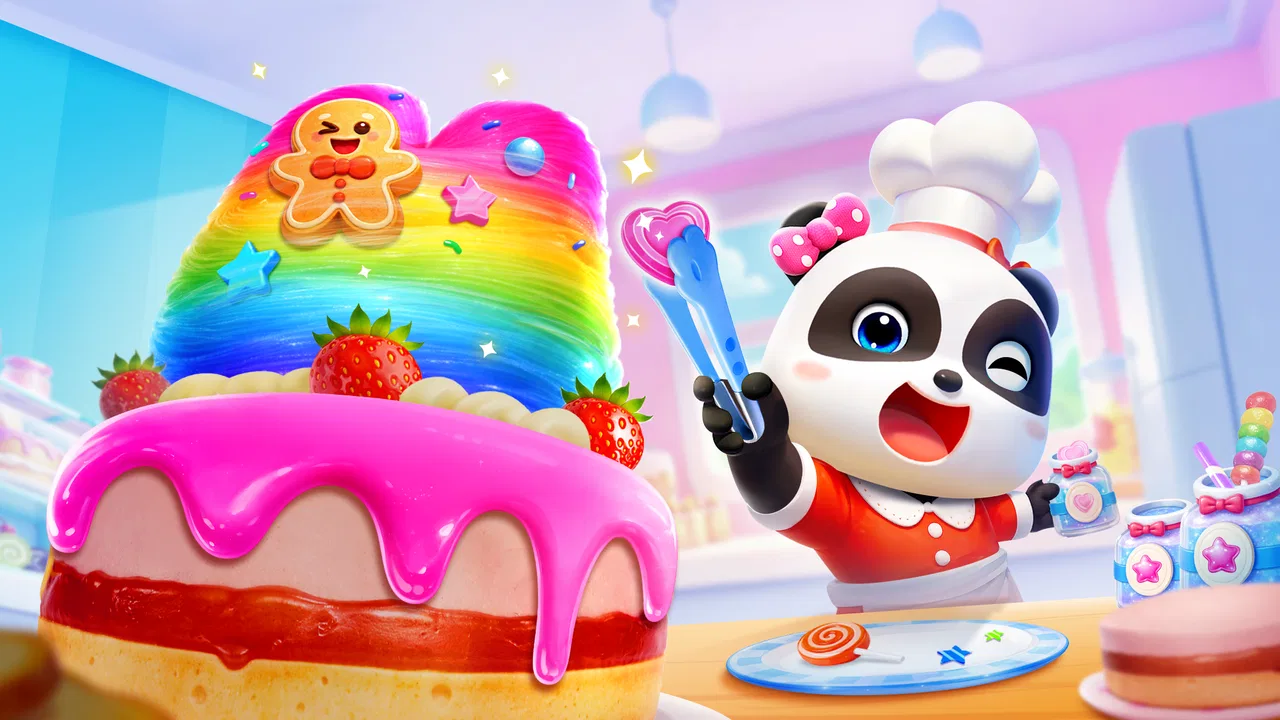
The central capability is the combination of games and cartoons connected with Baby Panda. Instead of treating video and play as separate destinations, the app places both kinds of entertainment in the same child-oriented environment. That makes it particularly approachable for children who already recognize Baby Panda and for parents who want familiar characters rather than a mixed collection from unrelated creators.
I think this matters because preschool children often choose by recognition before they understand a menu. A familiar character can make the first tap less intimidating. Once the child is comfortable, the parent can guide the choice toward a game rather than leaving the child to watch passively. In that sense, the app can act as a bridge between screen entertainment and simple interactive play.
It is worth being precise about what this does and does not mean. The presence of educational games does not turn every session into structured teaching. The app is still designed for playful use, and its value comes from repetition, attention, recognition, and participation rather than from a formal lesson plan. I would use it to support early learning habits, not to replace books, conversation, physical play, or a dedicated learning program.
What a child experiences while moving through it
From a child’s point of view, the attraction is the chance to switch between recognizable BabyBus material. A child may arrive wanting a cartoon and then become interested in a game, or begin with play and later return to a familiar character. That flexibility is more natural for a young user than an adult-designed sequence of lessons.
For parents, the same flexibility is both useful and demanding. It gives you more ways to match the activity to the child’s mood, attention span, and ability. However, it also means you may need to stay nearby, especially during the first few sessions. I would not assume that a colorful interface automatically teaches a child how to make good choices inside it.
How I would use the collection intentionally
My preferred approach is to treat the app as a small routine rather than an open-ended babysitter. Before giving it to a child, I would decide whether the goal is quiet viewing, a short game, or a transition activity while an adult finishes a practical task. Then I would help the child start with one item instead of presenting the entire collection as an invitation to keep tapping.
A useful habit is to ask the child to explain what happened after a game or cartoon ends. That simple conversation adds more educational value than letting the session disappear into continuous screen time. I might ask which character appeared, what the child had to do, or what choice seemed easiest. The app supplies the prompt; the adult supplies the connection to real life.
A realistic everyday scenario
Imagine a child waiting at home while a parent prepares dinner. The parent can open the app, choose a familiar Baby Panda activity, and set an expectation that the child will play until the meal is ready rather than browse endlessly. When the child finishes, the parent can ask about the activity while setting the table. This works best when the adult treats the game as a short, defined break and not as a replacement for interaction.
Another practical use is a calm transition after returning from preschool. A familiar cartoon may help a tired child settle, while a simple game can provide a little more active participation on a day when the child still has energy. The combined format lets the parent adjust the type of engagement without switching apps or introducing an unfamiliar interface.
Where the capability is especially strong
The collection is strongest for families already comfortable with BabyBus characters. Familiarity reduces the learning curve and can make a child more willing to try an activity. It is also useful when siblings or children of slightly different abilities share a device, because one child may prefer watching while another wants to tap and play.
I also see value for travel and waiting rooms, provided the parent plans ahead and keeps the session modest. A single app with both cartoons and games is easier to manage than several separate downloads. The trade-off is that variety can encourage longer use, so the convenience should come with a clear stopping point.
How it compares with common alternatives
Compared with a single-purpose preschool game, this app offers broader entertainment but usually requires more adult guidance to keep the child focused. A dedicated phonics, counting, or puzzle app may be better when you have one precise learning goal. A general video platform may offer more content, but it is less focused around one child-oriented BabyBus universe and can make curation harder for parents.
Compared with physical activity kits, the app is easier to start and more portable, but it cannot provide the same tactile experience. Blocks, picture books, drawing materials, and pretend play still do things a screen cannot. I would choose this game when convenience and familiar digital content matter, not because it is a complete alternative to hands-on learning.
Small decisions that improve the experience
One non-obvious advantage of the combined format is that it gives parents a way to change the level of participation without changing the child’s surroundings. If the child is overstimulated, a calmer cartoon may be more suitable than an interactive game. If the child is passive or restless, moving from watching to tapping can make the session more engaging. I would make that choice deliberately instead of allowing the next item to decide it.
Another useful tactic is to use the app as a conversation starter. After a game, connect its theme to something outside the screen: sorting toys, naming colors, recognizing animals, or describing a sequence of actions. The app may hold the child’s attention, but the follow-up question is what turns that attention into shared learning.
A third insight is that the collection can reveal what kind of content suits a particular child. Rather than assuming a child needs the most obviously educational activity, I would watch whether the child responds better to stories, repetition, visual choices, or direct interaction. That observation can help a parent choose future activities more wisely, both inside the app and elsewhere.
Trade-offs parents should consider
The biggest limitation is the same feature that makes the app appealing: there is a lot to move between. A child who enjoys switching activities may resist stopping, and a parent who wants a quiet, predictable routine may find the variety less convenient than a focused app with one clear path. I would keep the device in an adult’s reach and start the session with a simple limit.
In-app purchases are another practical consideration. The game is free to download, but individual purchases range from $0.49 to $46.99. That makes it important for the adult managing the device to review purchase controls before handing it over. Even when a child cannot make a purchase directly, an attractive collection can create requests for additional content, so I would decide in advance whether paid items are part of the family’s plan.
The app also needs a compatible device running Android 6.0 or later. That is not a demanding requirement for many current phones and tablets, but it is still something to check before planning a trip or setting it up on an older device. The current version is 2.4.26.00, so I would keep the installation updated through the normal store process when possible.
Who may want a different kind of app
I would not choose this as the main tool for a child who needs a carefully sequenced curriculum, detailed progress tracking, or a narrow academic target. A specialized early-learning app may be a better fit in those cases because its structure is built around one skill rather than a broad BabyBus collection.
I would also skip it for a family trying to reduce screen variety. If the goal is one calm activity with a definite beginning and end, a physical book or a single offline game may create fewer negotiations. The app is better suited to parents who are comfortable supervising choices and using the content as part of a wider routine.
Who gains the most from it
The best match is a young child who already likes Baby Panda or BabyBus cartoons and enjoys alternating between watching and simple interactive play. Parents of preschoolers can benefit from the convenience of having both formats together, especially when they want a familiar activity for a short waiting period, a travel break, or a quiet moment at home.
It can also suit families with more than one child when expectations are clear. One child can watch while another explores a game, although I would not assume that shared use will always be peaceful. Taking turns and choosing one activity at a time may work better than letting both children control the device simultaneously.
My final view after weighing the experience
I see Baby Panda's Kids Play as a convenient BabyBus collection rather than a complete educational system. Its strongest verified capability is the combination of games and cartoons, and that combination has a real effect: it makes the app flexible enough to match different moods while keeping children inside a familiar world.
That flexibility is valuable when an adult remains involved. Choose the activity, set a stopping point, and talk about what the child just watched or played. If you want a tightly organized lesson, a screen-free activity, or a single-purpose learning tool, another option may serve you better. But for families seeking a free, Everyone-rated educational game from BabyBus that brings familiar entertainment and playful interaction together, I think it is worth trying.
My recommendation is to begin with short sessions and observe what your child actually does, not merely what the app promises to offer. If the child engages with the games, responds to the stories, and can move on comfortably when the session ends, the collection is earning its place. The best results come from using it as a shared starting point for play and conversation, not as an unattended substitute for either one.
FAQs for Baby Panda's Kids Play
01What is Baby Panda's Kids Play about?
Baby Panda's Kids Play is an educational app designed for young children. It offers a variety of interactive games and activities that help develop cognitive skills, creativity, and learning through play. The app includes colorful graphics, fun animations, and engaging sounds that keep children entertained while they learn.
02Is Baby Panda's Kids Play safe for children?
Yes, Baby Panda's Kids Play is specifically designed for children, ensuring a safe and kid-friendly environment. The app contains no inappropriate content, and all in-app purchases require parental oversight. Additionally, it has a simple interface that allows children to navigate without difficulty.
03Does Baby Panda's Kids Play require an internet connection?
Baby Panda's Kids Play can be used offline, allowing children to enjoy the games and activities without needing an internet connection. However, some features, such as updates or additional downloadable content, may require internet access to function.
04Are there any in-app purchases in Baby Panda's Kids Play?
While Baby Panda's Kids Play offers a range of free content, there are optional in-app purchases available. These purchases provide access to additional games and features. Parents can control and manage these purchases through their device settings to ensure a secure environment for their children.
05What age group is Baby Panda's Kids Play suitable for?
Baby Panda's Kids Play is ideal for children aged 2 to 7 years old. The app's activities are tailored to support early childhood development, focusing on basic skills, motor skills, and learning concepts appropriate for this age group. It's a great tool for both education and entertainment.
Pros
- Engaging and colorful graphics.
- Wide variety of mini-games.
- Educational content included.
- Simple user-friendly interface.
- No in-app purchases needed.
Cons
- Limited language options.
- Requires constant internet connection.
- Repetitive music can be annoying.
- Some ads disrupt gameplay.
- Games may be too easy for older kids.

Baby Panda's Kids Play
Gallery